 Paper Wisp
Give your words a paper edge
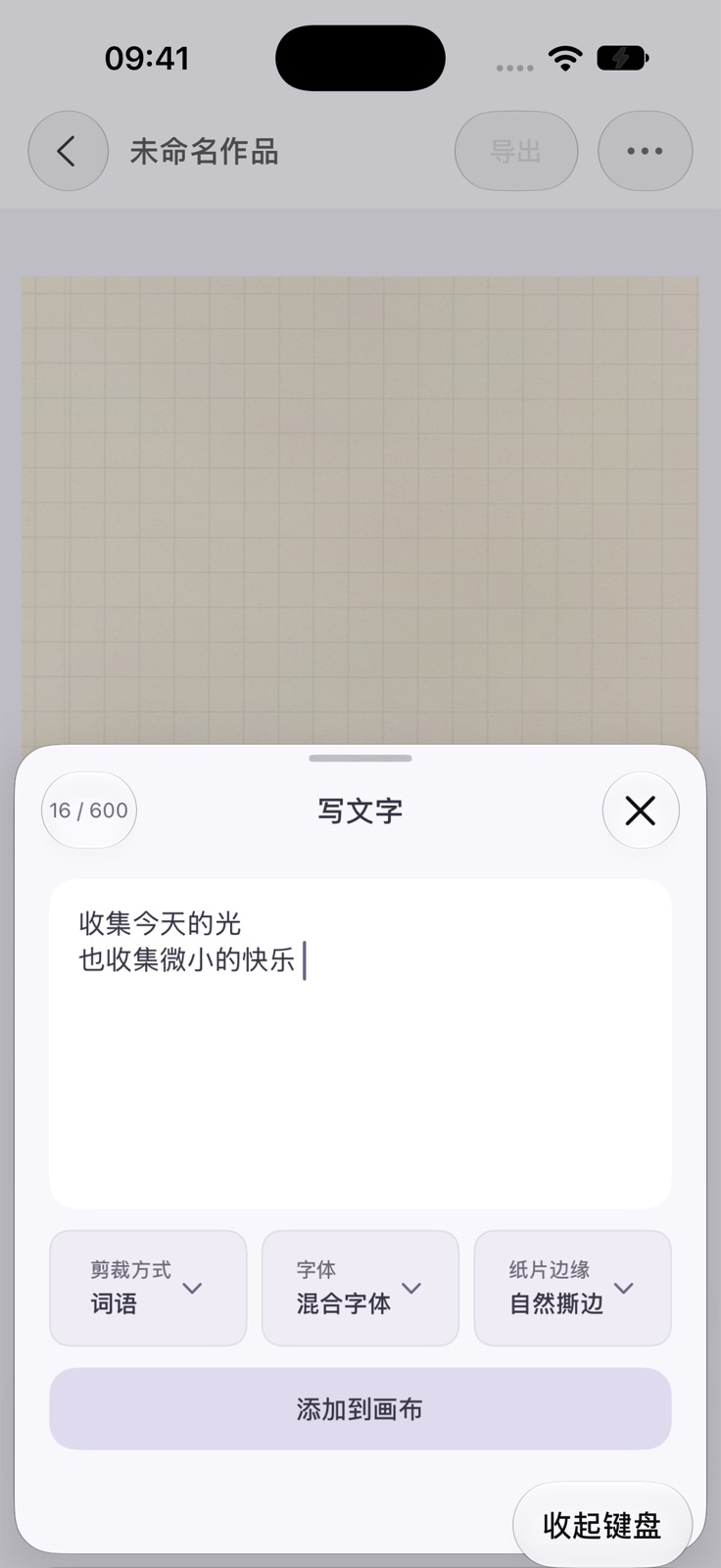
Cut text into words, short sentences or scattered pieces. Choose serif, sans serif or vintage type, and return to edit a text group later.
Paper Wisp · Collage journal
A sentence you wrote. A detail from a photo.
Bring them together on a page of your own.
iPhone and iPad · iOS 17 or later
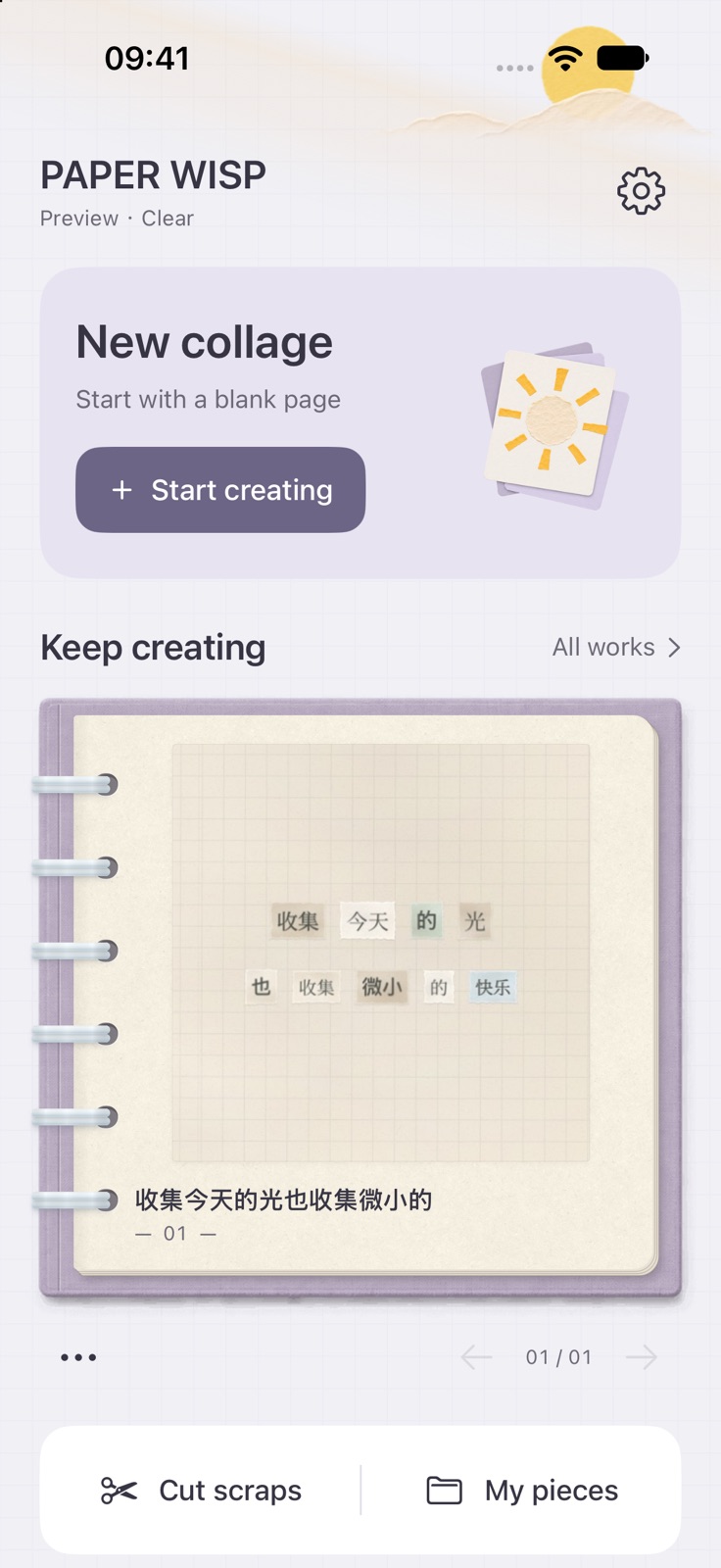
Your writing and photo cutouts share one canvas. Keep adding as the day unfolds.
Cut text into words, short sentences or scattered pieces. Choose serif, sans serif or vintage type, and return to edit a text group later.
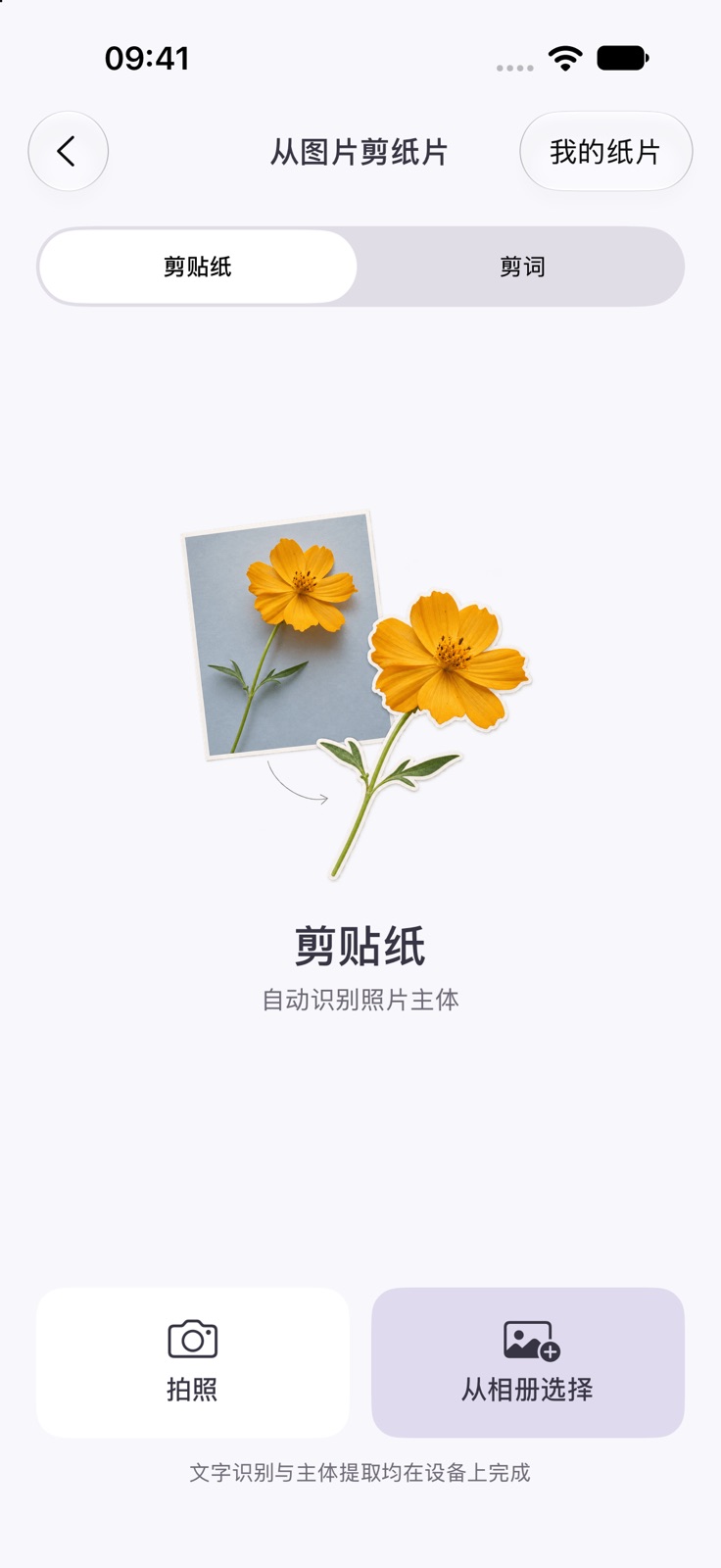
Recognize words or lift a subject into a sticker. Refine the crop, erase or restore edges, then save it to My Clips to use again.
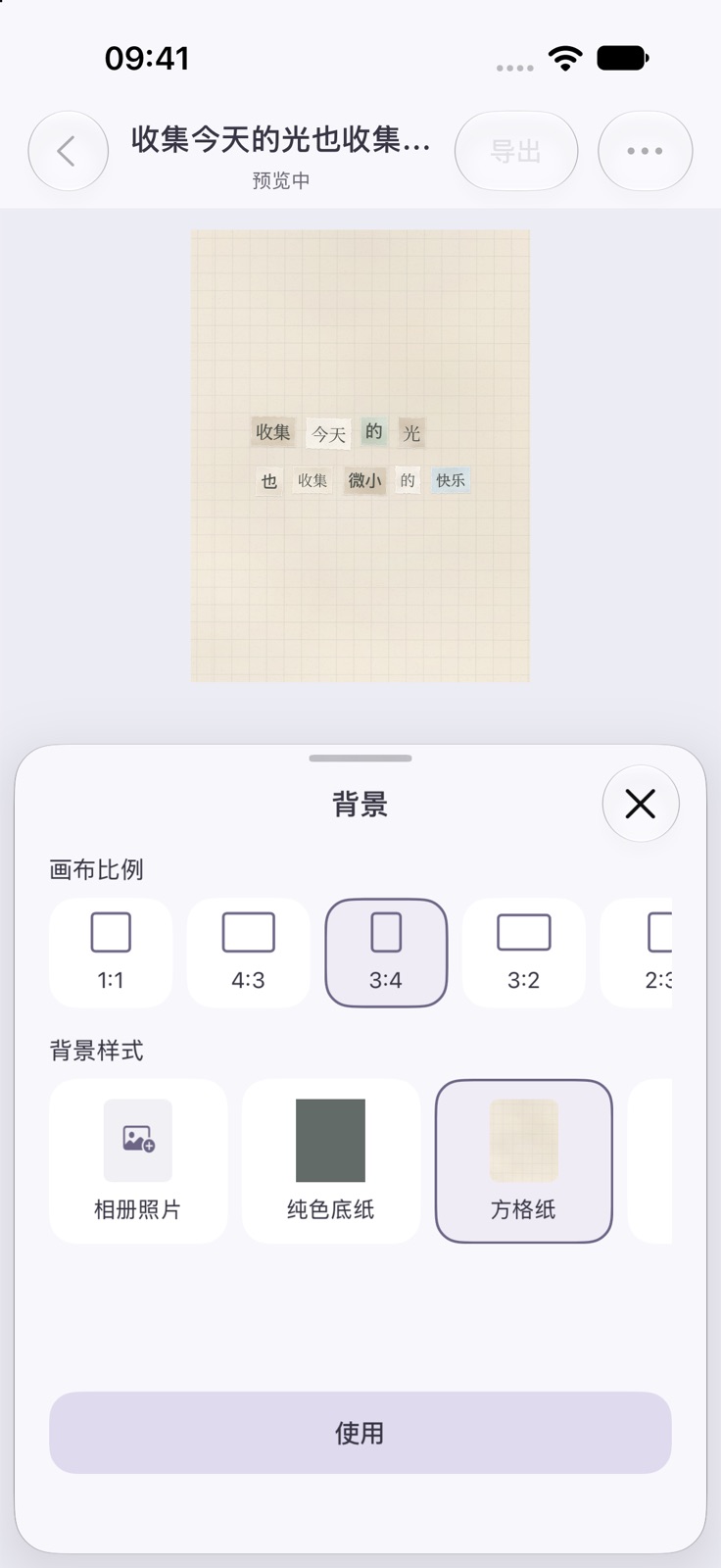
Move, rotate and resize pieces, or preview a layout. Choose from eight canvas ratios and paper, color or photo backgrounds. Export as PNG.
Your work saves on this device. Turn through the ring-bound notebook on the home screen, tap a page to continue editing, or find an earlier collage in All Works.
New works keep their creation time, plus local weather and area information when available. PNG exports do not include these separate fields.
Help & support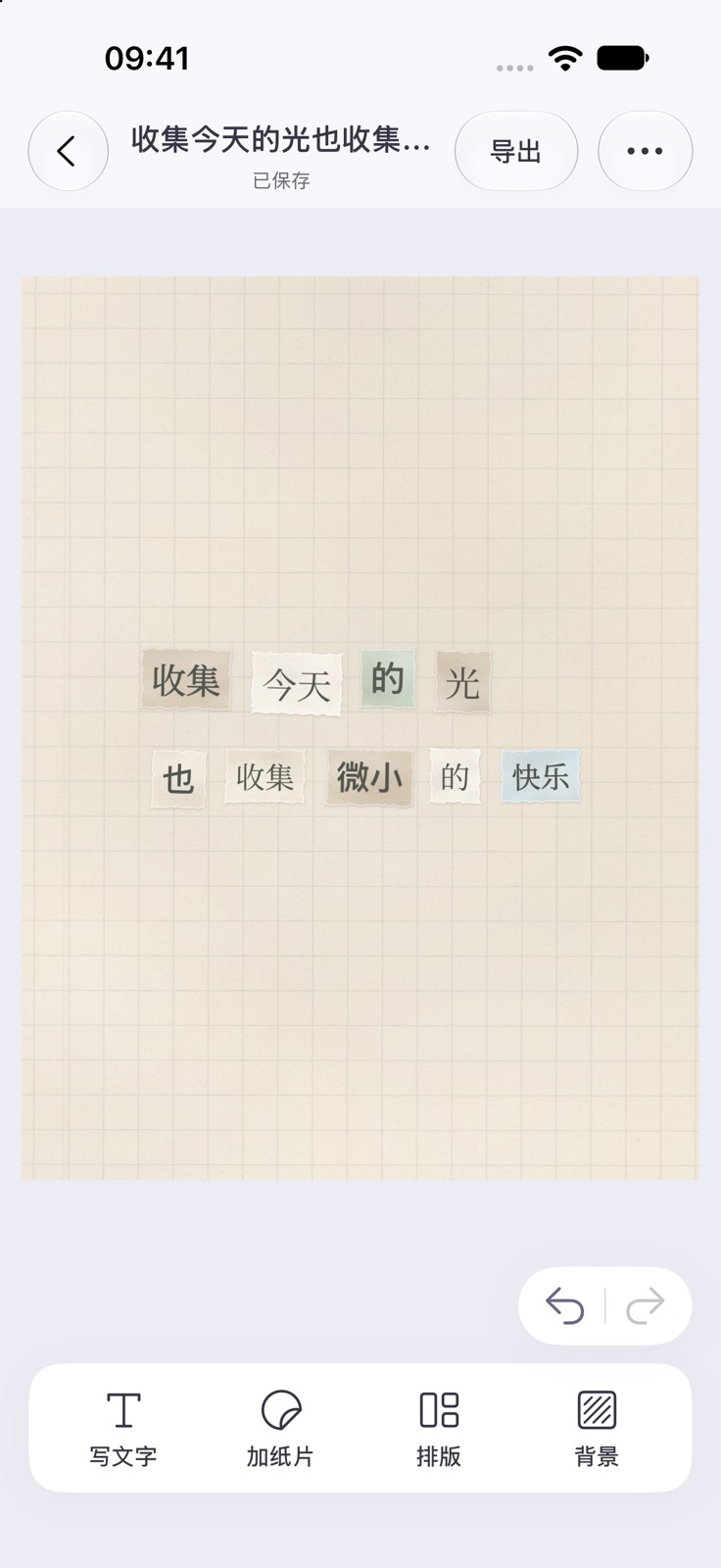
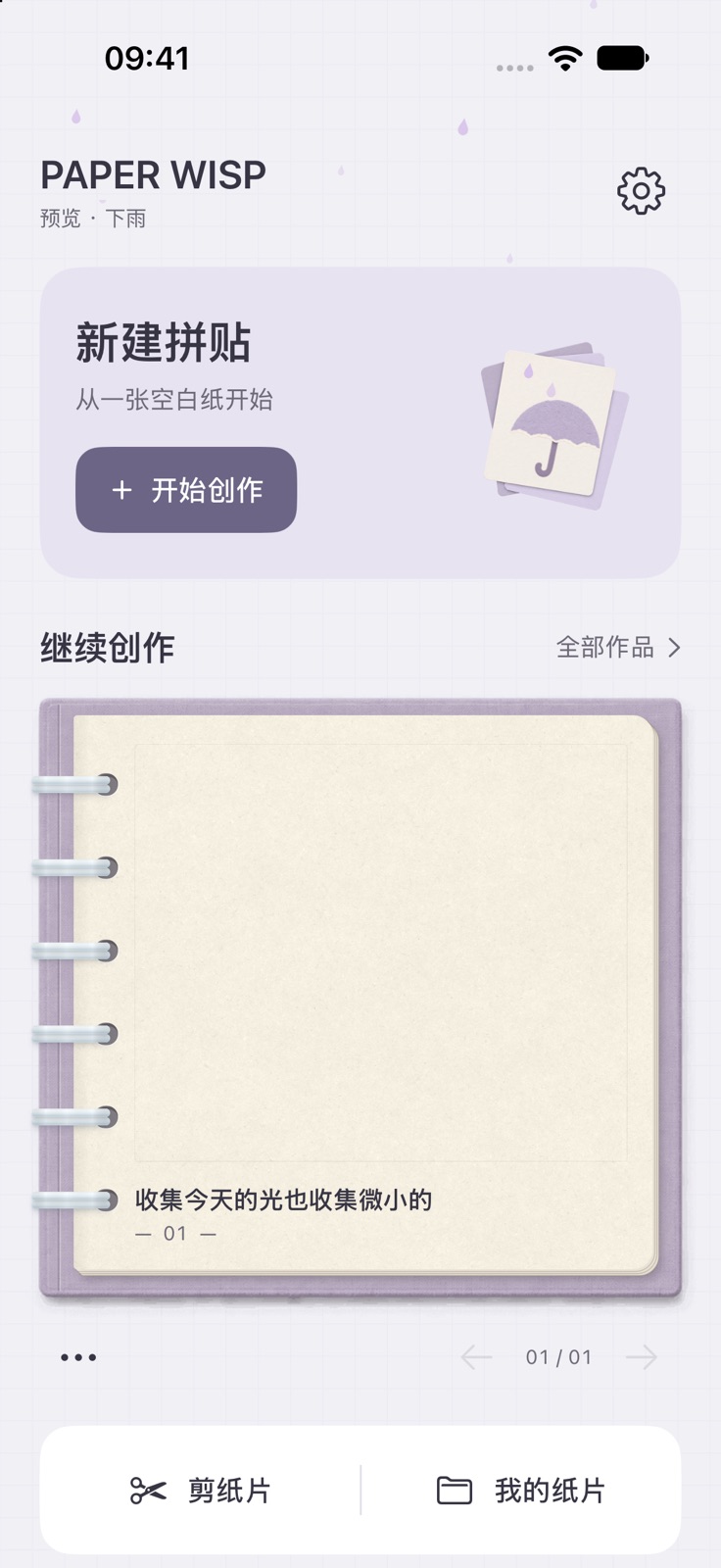
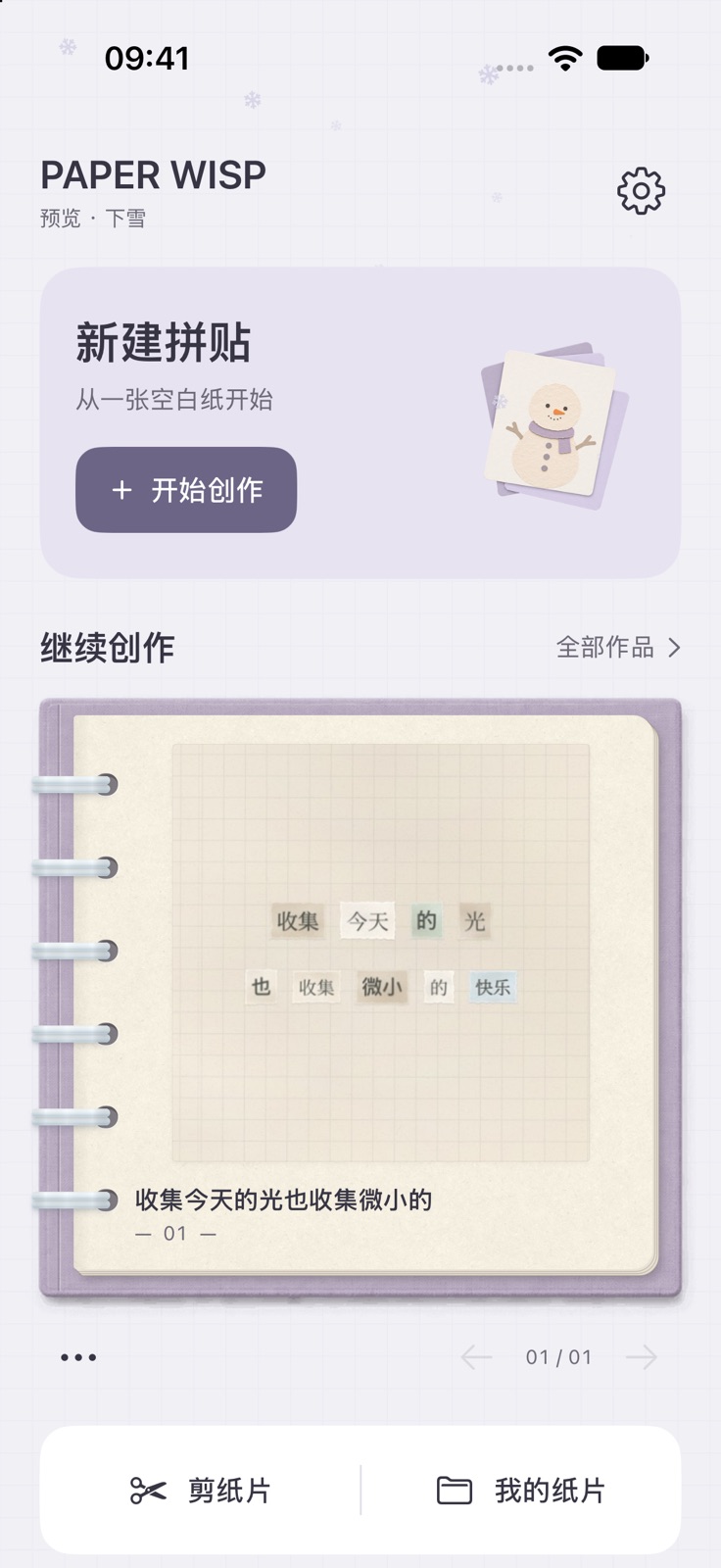
Seven paper weather families follow local conditions and daylight on your home screen, with a sun, an umbrella or a snowman on the creation card.
These captures use the built-in weather preview. Local weather needs location permission and a connection. You can still create without either.
Read about weather and location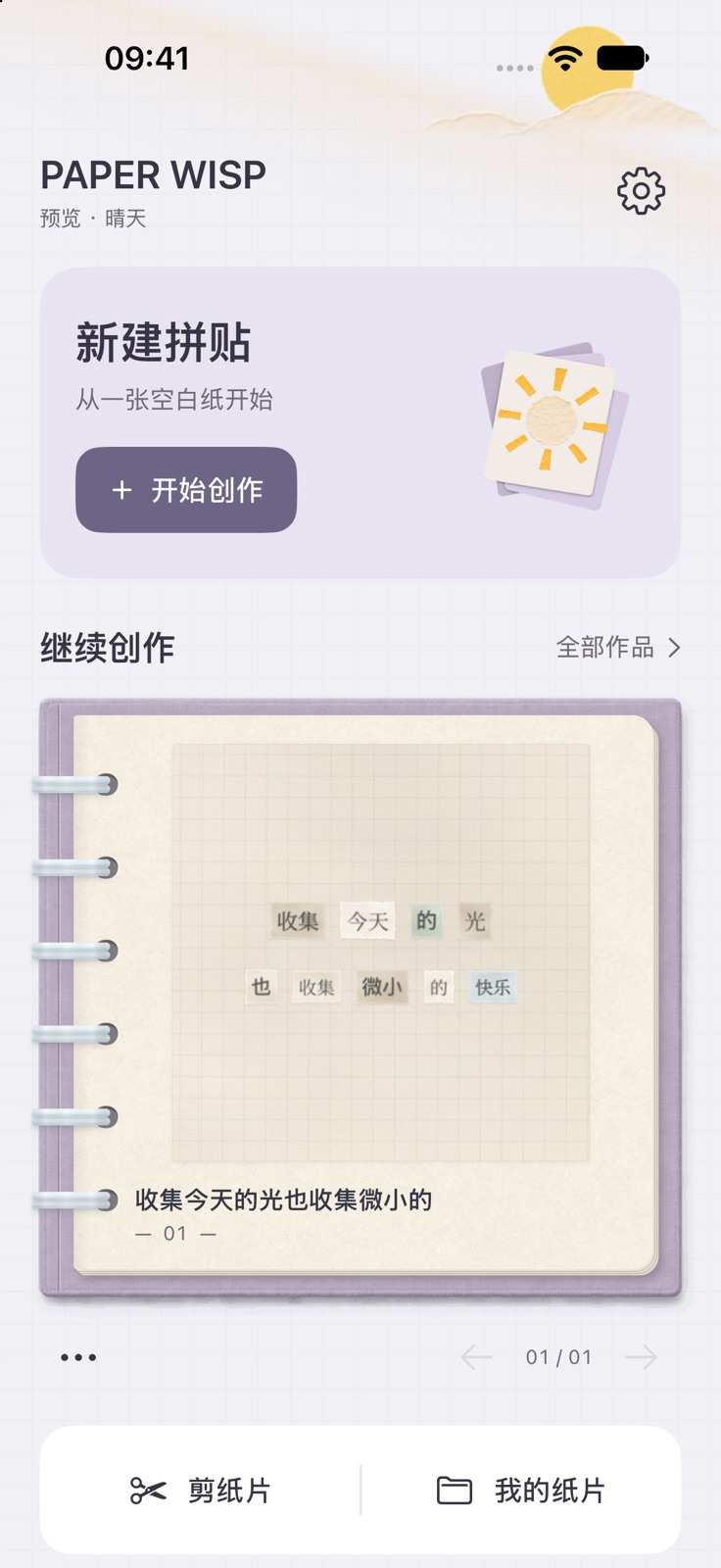
No account needed. Text recognition, photo subject extraction and collage editing run on your device.

Start with a few words. The support page has more instructions and a way to get in touch.
Help & supportWriting, photo recognition, editing and local saving work offline. Local weather and area lookup need a connection. Email and sharing to online services may also need the internet.
Local weather is on by default unless you previously turned it off. The home screen requests location access while using the app. Weather and area lookup start only after permission. You can turn weather off in Settings; denying location does not affect creation.
Use manual selection to frame the part you want, then refine the crop. For photo subjects, you can also select manually and erase or restore edges.
Works stay on the device where they were created. An exported PNG can be saved or shared, but cannot restore editable paper layers.